Continue?
Create a free account to search — new accounts get 15 free credits (3 searches).
An email address is the key to almost every online account. A reverse email lookup shows where an address is used: TraceFind checks whether it is registered on 296 websites and apps, which data breaches it appears in, whether a Google account is linked to it and whether the mailbox actually exists.
The checks run in parallel and stream in live, usually within about 45 seconds. They use the same sign-up and recovery flows a normal visitor sees, which never send an email or alert to the address owner.
Paste any email address, for example jane.doe@example.com. Capitalisation and surrounding spaces don’t matter.
Registration checks on 296 sites, breach databases, the linked Google account, mailbox verification and the domain’s mail setup, all at once.
See accounts, breaches and mailbox details side by side, export as PDF, JSON, CSV or TXT, or follow every lead on the canvas.


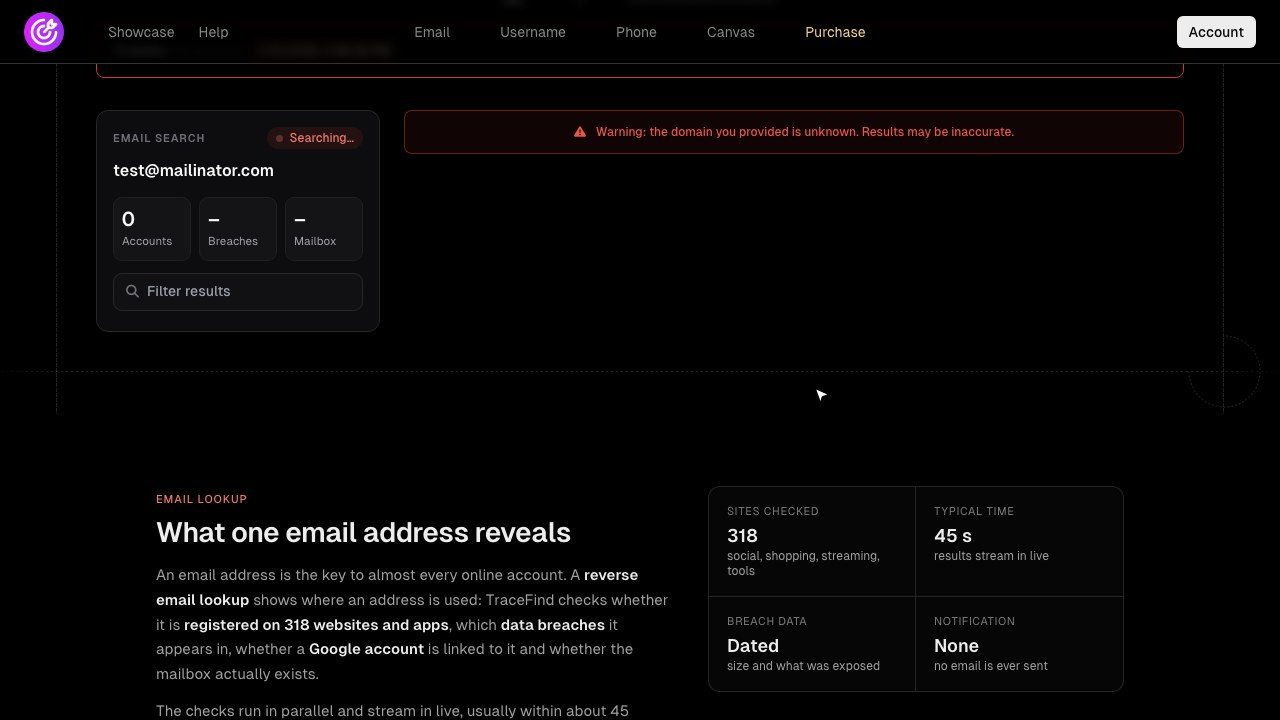
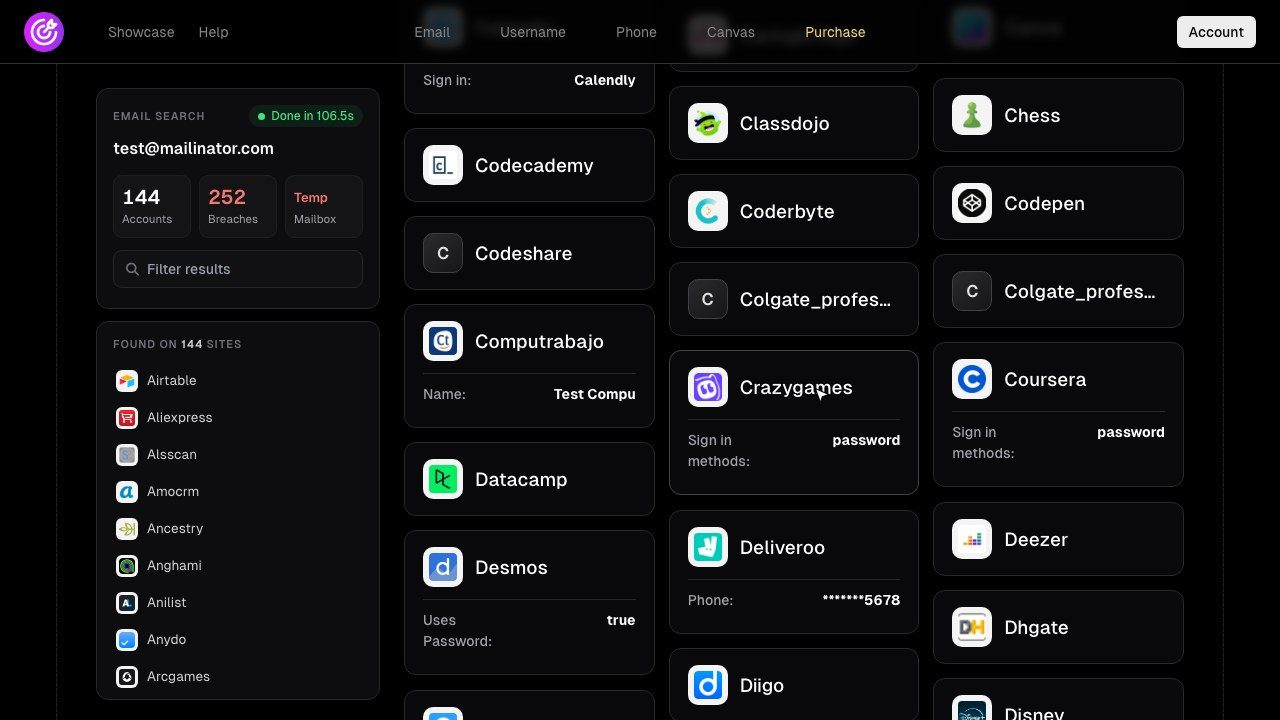
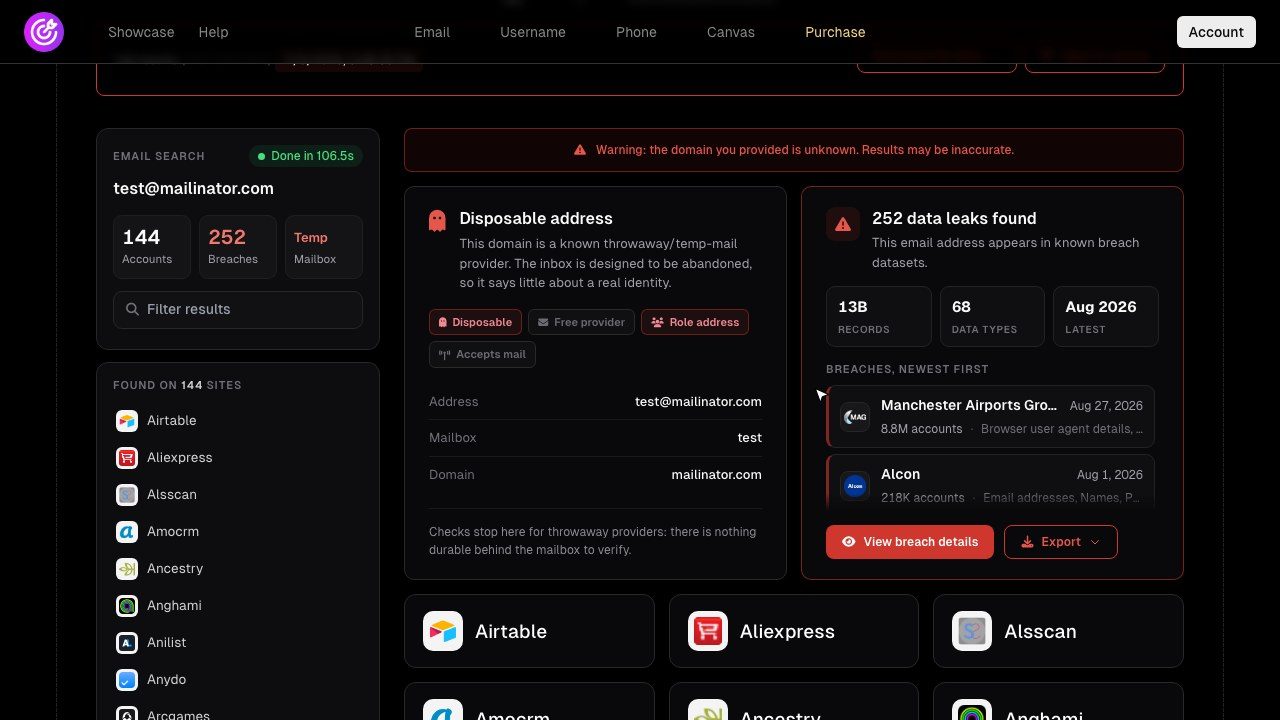
Watch a full search in real time in the showcase, or open the example PDF report.
Real people leave a trail; a freshly created or disposable address with no accounts is a classic sign of a fake sign-up.
Find out which breaches leaked your address and which passwords to change, before someone else uses them.
Check that the person emailing you, a supplier or a new hire, really has the online presence they claim.
Pivot from an address to accounts, names and other identifiers, then document it in a report.
See whether the sender address of a suspicious mail is real, disposable or brand new.
List the services still tied to your address so you can close the ones you no longer use.
Enter the address above and start the search. TraceFind checks 296 websites and apps for an account registered with that address and lists every match, together with the profile details the site exposes. It takes about 45 seconds.
The email search includes a breach check. Every breach the address appears in is listed with its date, its size and the categories of data that leaked, so you know which passwords to change and what to watch out for.
No. The registration checks use the same public sign-up and recovery pages a visitor sees, in a way that does not trigger a message. No email is sent to the address at any point.
Yes. The mailbox check tells you whether the mailbox exists, which provider hosts it and whether it belongs to a known throwaway (disposable) email service, a common sign of fake sign-ups.
Yes. Use the username search to find profiles on about 1,000 sites and the phone search for messengers and social networks linked to a number.
No. TraceFind only reads public pages and uses sign-up and password-reset checks that do not send anything to the account owner. Nobody is messaged, called, followed or notified, and your search is not visible to anyone else.
A new account gets 15 free credits, enough for 3 searches; these show a preview with how much was found in each category. Credits cost €0.25 each, including VAT, and a full search costs 5 credits (€1.25). A search that finds nothing is refunded. Buying credits also unlocks every preview you already ran. See pricing.
Searching publicly available information is legal in most countries, but what you do with it is regulated. Use TraceFind only for a legitimate purpose, such as checking your own exposure, fraud prevention, due diligence or authorised investigations, and handle results according to the data-protection law that applies to you (for example the GDPR). Stalking, harassment and doxxing are forbidden by our terms.
Each search is saved as a report in your private history so you can reopen and export it. You can delete reports at any time. An account needs no email or name: the account ID is enough. If you sign in with GitHub, the email address GitHub shares is stored with the account.